
Release Notes 2023/17
18.10.2023
Enhancements
General information
- The filter panel has been optimised for all apps and is initially closed as soon as the respective application is opened.

"Collapsed" flexpanel within the apps
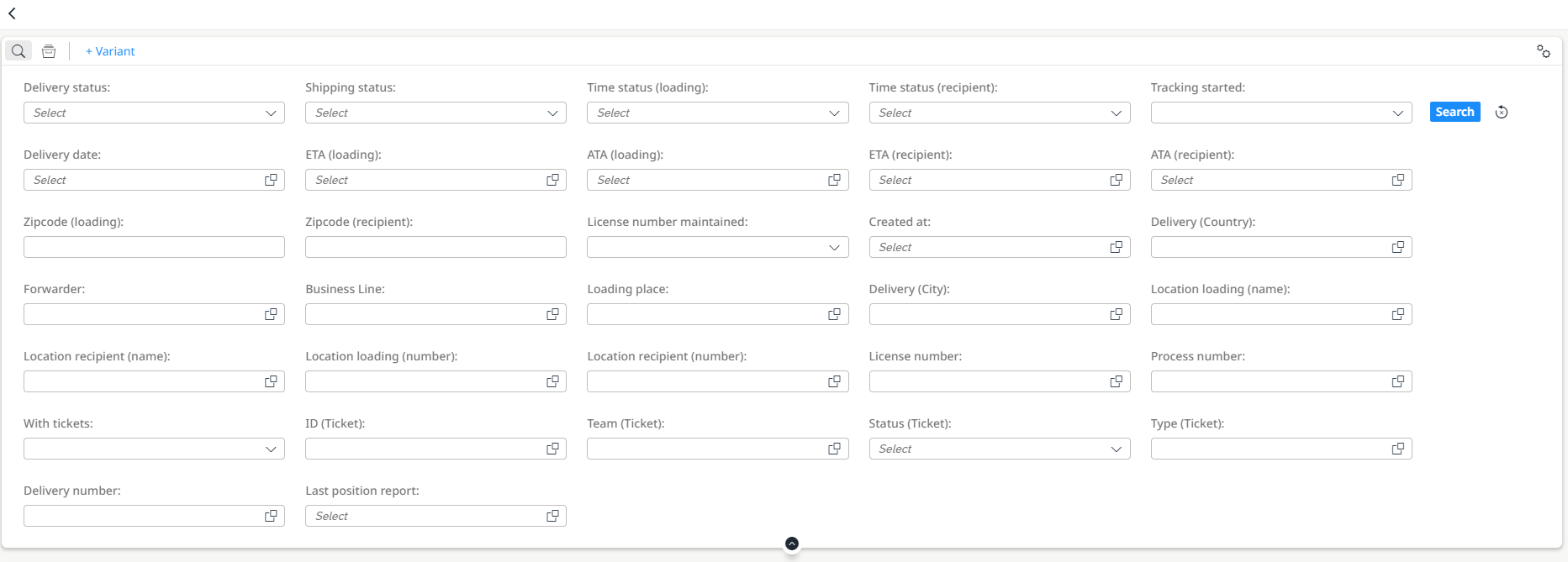
"Expanded" flexpanel within the apps
This standardises the behaviour within the individual apps.
Masterdata
Fleet Overview
- It is now possible to display the history of the temperature data for a trailer
- After entering a time period, the data is displayed in tabular and graphic form
- If the permissible temperature is exceeded, a message is issued
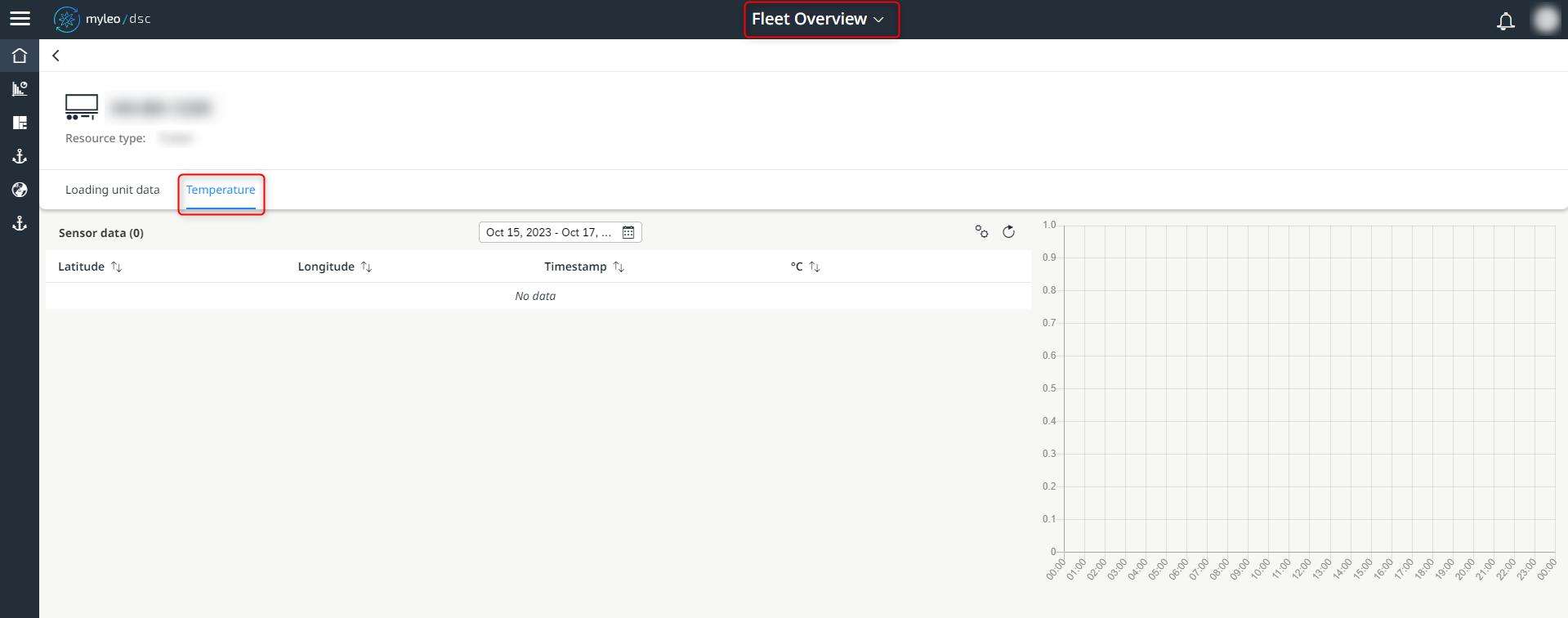
Display of the temperature within the fleet overview
In order to comply with a cold chain, it must be possible to trace whether it has been complied with.
Sites
- The Settings tab within the detailed view of a site has been removed
Tickets
Tickets
- The overview table now also displays the attachments associated with a ticket

New column "Attachments" within the ticket worklist
- The individual attachments are listed and can be displayed at the touch of a button
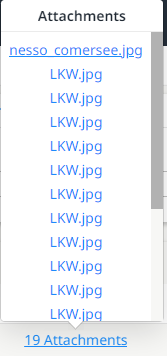
Listed attachments to a ticket
This function enables an overview of all tickets for which attachments are already available. In addition, the number of uploaded attachments can be seen at a glance.
Tickets
- A maximum of 20 attachments can now be uploaded to a ticket

Greyed out "Add" button when reaching the maximum number of attachments
ComApp
- The user guidance of the verification within the ComApp was simplified
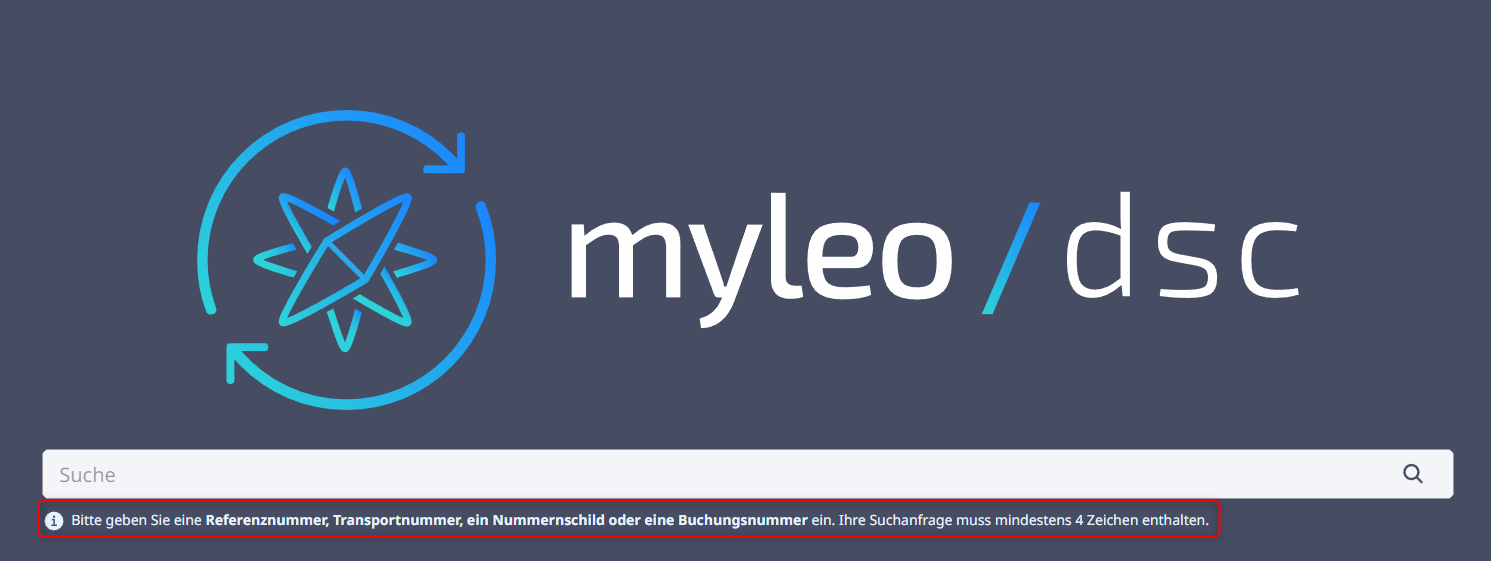
ComApp - Homepage incl. user guidance
The individual instructions for action are thus presented more clearly.
Bugfixes
Track and Trace
Deliveries
- A delivery that is separated from a freight order is now no longer deleted, but only decoupled from the freight order
Deliveries
- Previous waypoints are now also reported as completed if a later waypoint has already been completed
Deliveries
- Fixed an error when entering a time span for the CSV download
- An invalid date selection is no longer possible
Deliveries / Freight Orders
- Discrepancies between the display of ETA recipients within the Deliveries App and Freight Orders App have been fixed
Freight Orders / Dispute Management
- Discrepancies between the display of the parking spaces as well as the ETA within the Freight Orders App and Dispute Management App have been resolved
Slot Booking
Booking Calendar
- Within the external time slot booking, the selection of the "Continue" button is now only possible after all mandatory fields have been filled in
Booking List
- Fixed an error in the display of the time and time zone when downloading data
- The Excel export uses the times with the time zones that are already stored in the slot
Evaluation Capacities
- Locations of type Warehouse and Office can now also be displayed
Slot Settings
- When creating a new location, the previously selected strategy for time slot booking is now adopted
Tickets
Tickets
- When attempting to add an invalid data type as an attachment, an error message is now issued
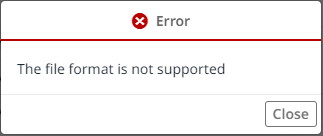
Error message when trying to upload an invalid data type as an attachment
Empties Management
Order Overview
- An error in the display of the sender within the worklist has been fixed
General information
- When entering the reference within the ComApp homepage, the content is now displayed in the previously selected language
Updated over 1 year ago
What’s Next
Did this page help you?