
Release Notes 2025/04
05.03.2025
Enhancements
General information
- Hello, I'm Q and I'll guide you through various functions! You can find me here at any time!
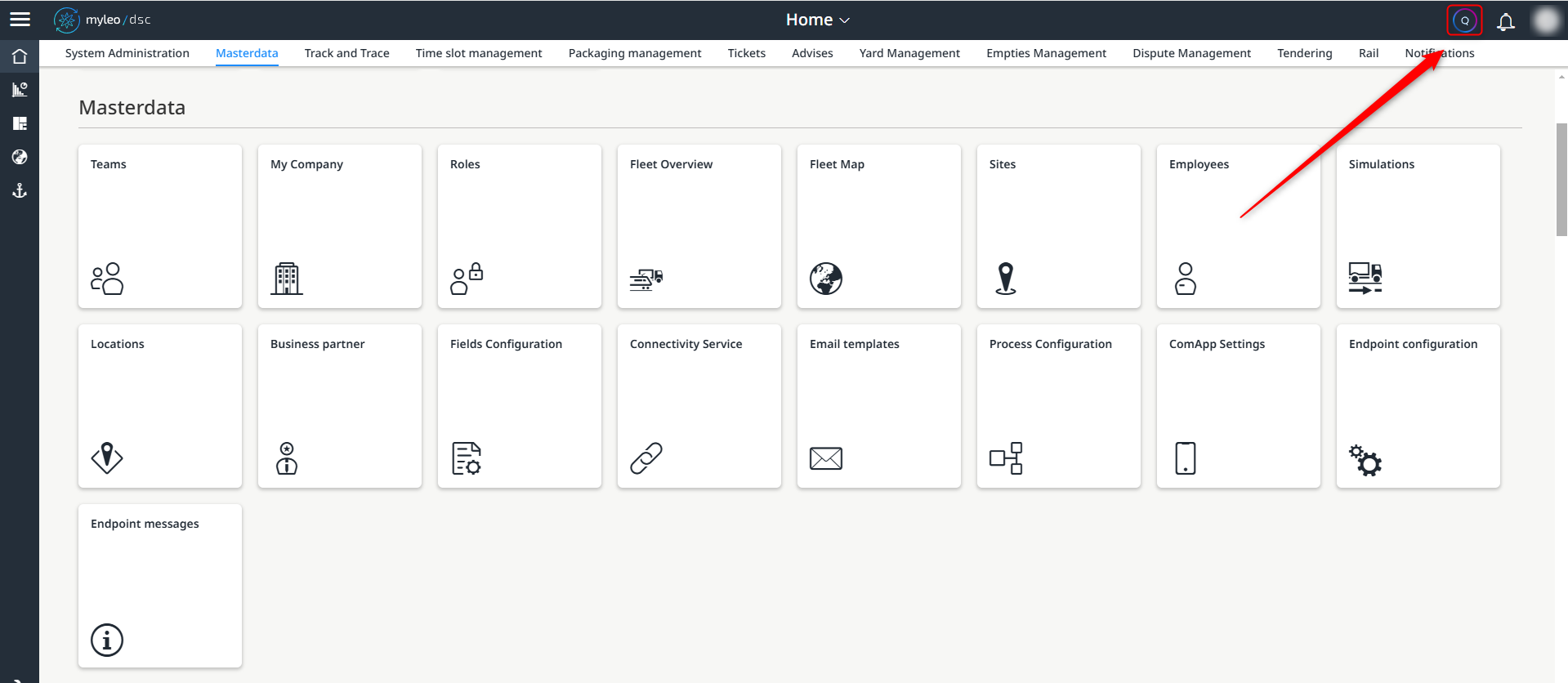
The personal assistant Q can now be found here
Masterdata
Locations
- Within the worklist, you can now see at a glance when and by whom a location was created and also when it was updated
- These columns are now available:
- Created by
- Created at
- Updated by
- Updated at

New columns within the worklist
Endpoint configuration
- The new app Endpoint configuration is now available
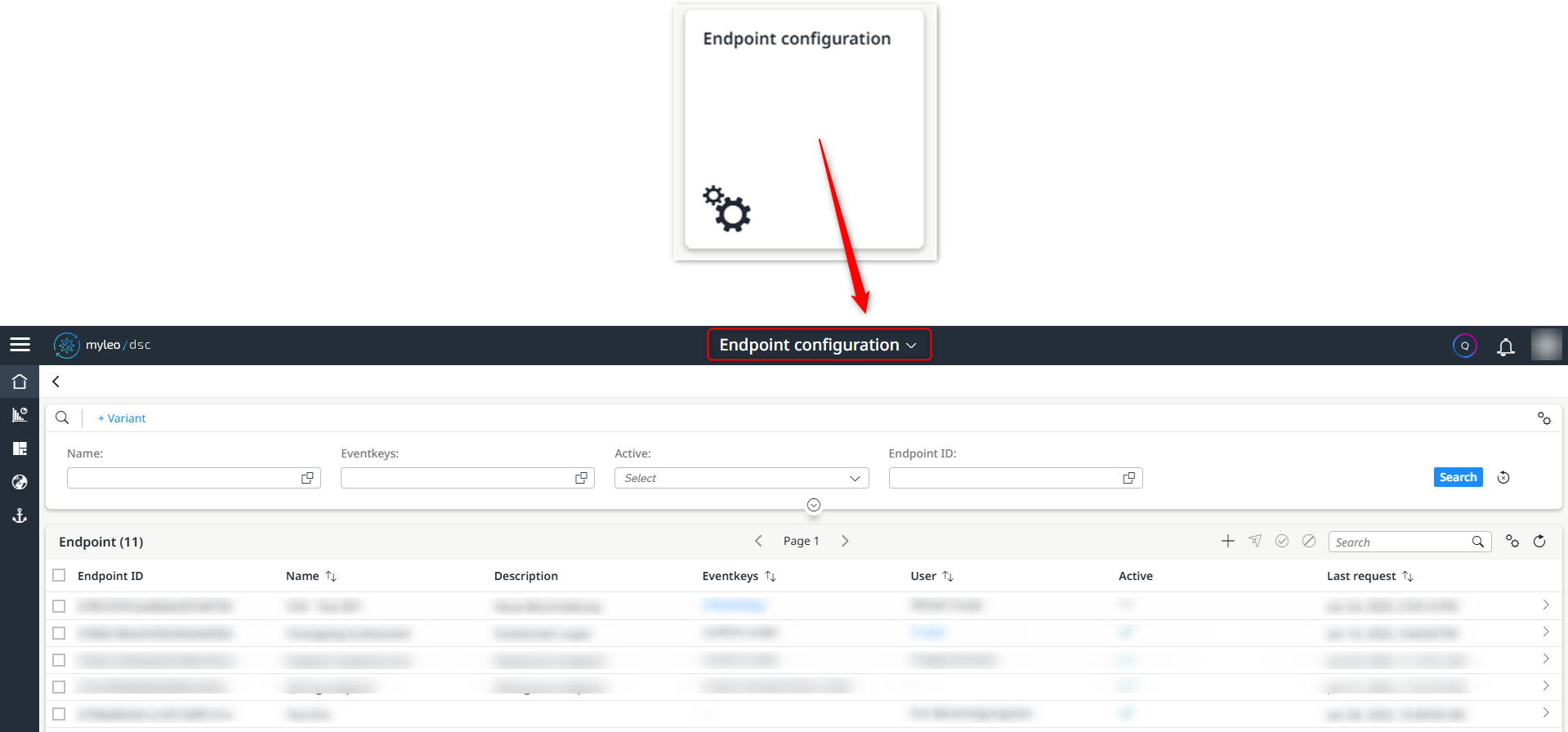
Open the new ‘Endpoint configuration’ app
All endpoints are created, activated or deactivated in this app.
Endpoint configuration
- It is now also possible to navigate directly to the messages of a specific endpoint

Direct jump to the Endpoint messages app
After jumping to the ‘Endpoint messages’ app, the respective endpoint ID is already selected so that only the messages of the corresponding endpoint are displayed in the worklist.
Endpoint massages
- The new app endpoint massages is now available
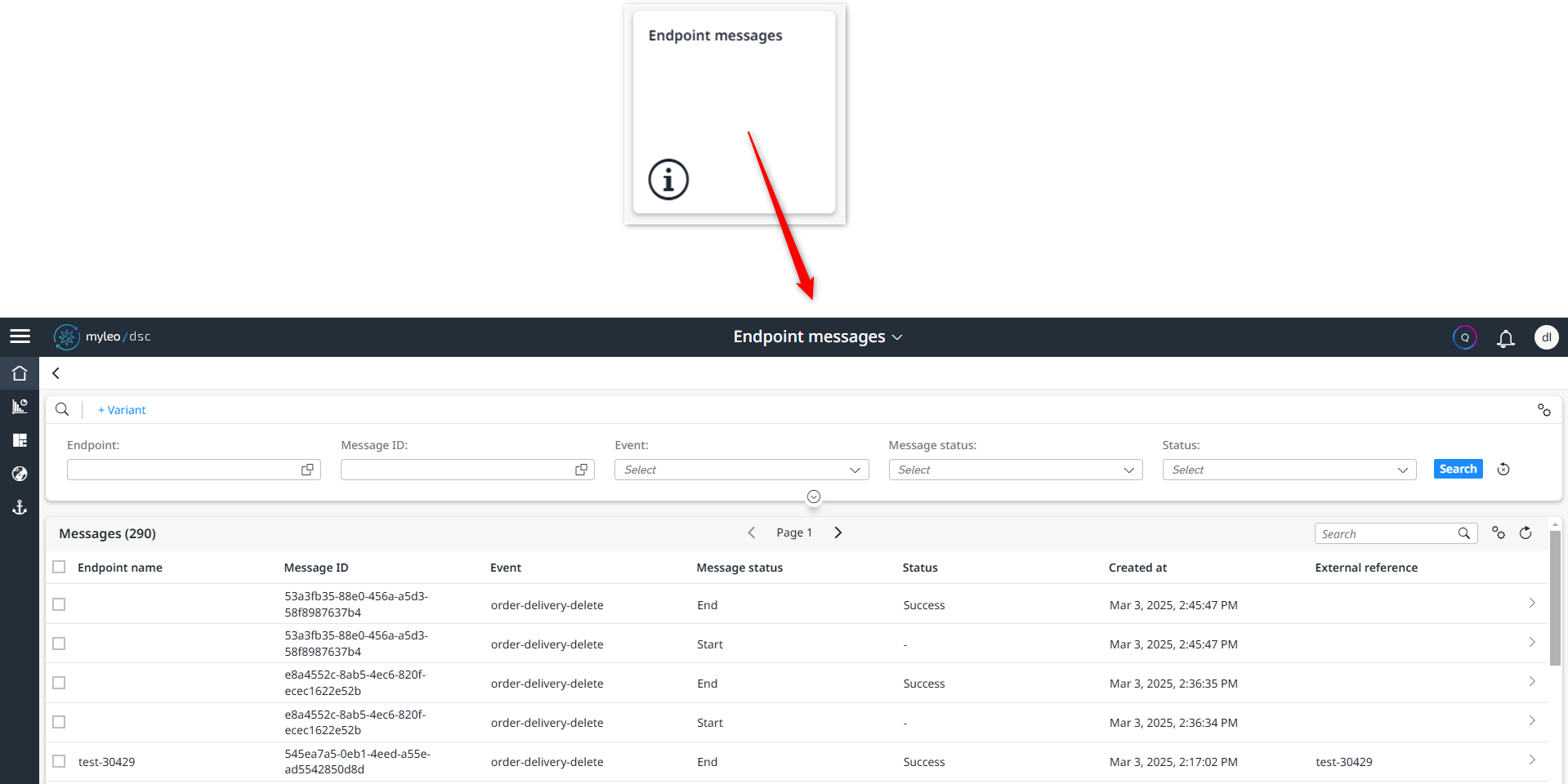
Open the new ‘Endpoint messages’ app
This app lists and clearly displays all messages for previously configured endpoints.
Rail
Trains
- Within the train overview there is a new tips & tricks guide for displaying the train length
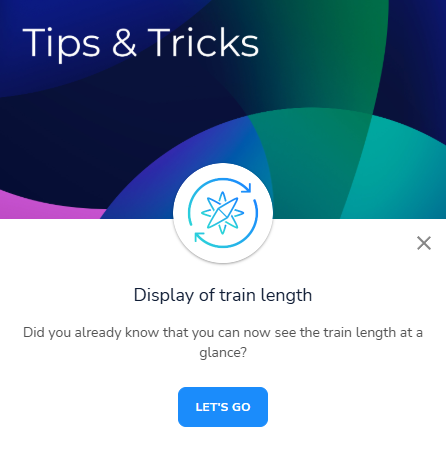
Open the new tips & tricks guide for displaying the train length
The train length is displayed both in the worklist and in the detailed view.
Fleet Status
- A new column Areas is now available in the worklist and in the CSV download
This function is analogue to the fleet map app, where the areas are also displayed.
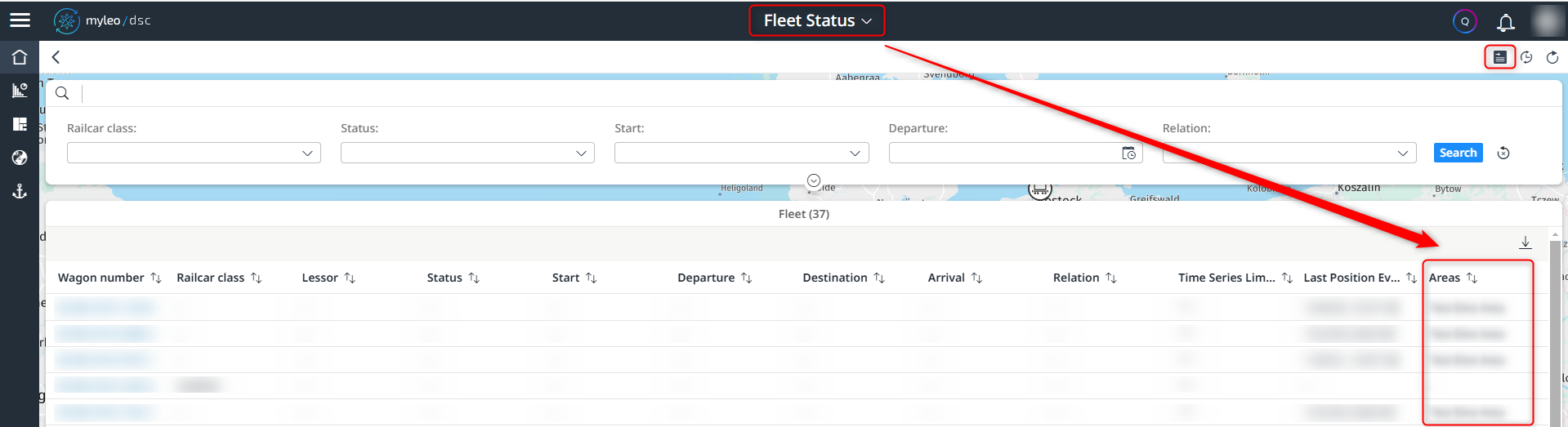
Display of the new ‘Areas’ column
Notifications
Notification Settings
- Within this app, it is now possible to define an endpoint that is to be addressed in the Connectivity Service
- The user can determine which message is sent to which endpoint
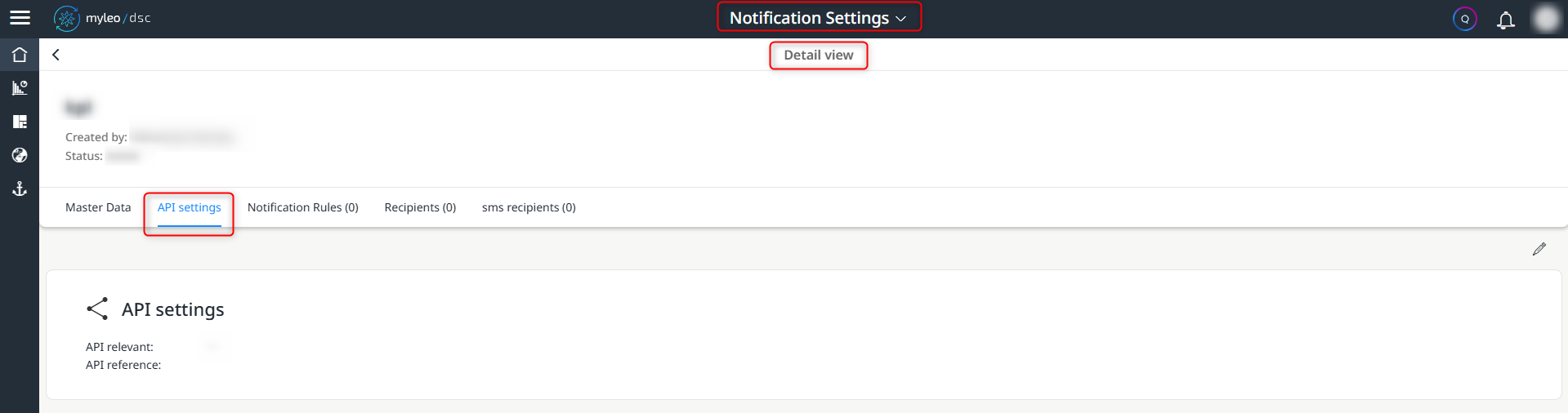
‘API settings’ tab in the Notification Settings app
Bugfixes
Time slot management
One-time links
- An error when displaying the Updated information in the worklist has been fixed
- The correct (local) time is now displayed again
Yard Management
Yardlist
- An error when displaying the Updated information in the worklist has been fixed
- The correct (local) time is now displayed again
Yard Settings
- An error when deleting a yard document type has been fixed so that all references to this yard document type are now also deleted from the yard settings
Access overview
- An error in the display of individual content in the columns Located on, Yard location (ID) and Status within the worklist in the Up to date tab has been fixed
Rail
Trains
- An error when manually updating the worklist or individual detail views has been fixed
Updated over 1 year ago
What’s Next
Did this page help you?