
Release Notes 2024/10
26.06.2024
Enhancements
Masterdata
Fleet Overview
- In the fleet overview, it is now possible to create trailer resources and upload an XL certificate document at the same time
- The following contents are required when creating an XL certificate
- The XL certificate available checkbox must be activated
- The Valid until field indicates the validity of the XL certificate
- There is an upload option for certificates / documents in the XL Certificate field
- The following contents are required when creating an XL certificate

Create a trailer with associated XL certificate
In the subsequent process, this can be used to check whether a valid XL certificate document is available for a trailer.
- An XL certificate created for a trailer resource can also be edited subsequently
- After clicking the Edit button, the input fields are pre-filled with the corresponding data
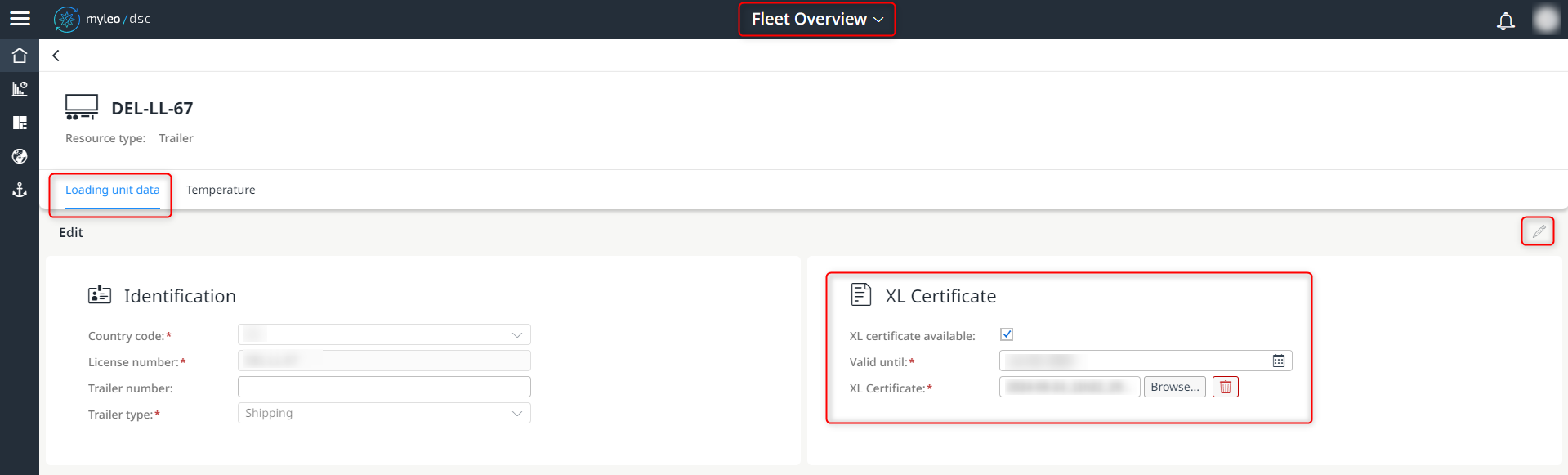
Edit an existing XL certificate
When the "XL certificate available" checkbox is deactivated, the data relating to the XL certificate and the validity date are removed.
- It is now also possible to download existing XL certificates in the detailed view
- After clicking on Download certificate the file will be downloaded automatically
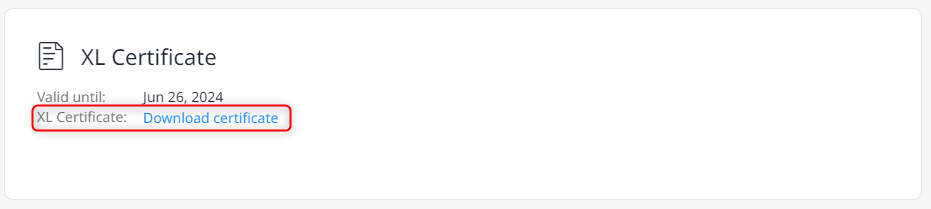
Download an existing XL certificate
- In the worklist of the fleet overview, you can now see at a glance whether an XL certificate is available for a specific trailer and whether it is still valid

Clear display of whether an XL certificate is available and whether it is still valid
- The columns Certificate available and Certificate valid until are not displayed by default and can be configured in the settings
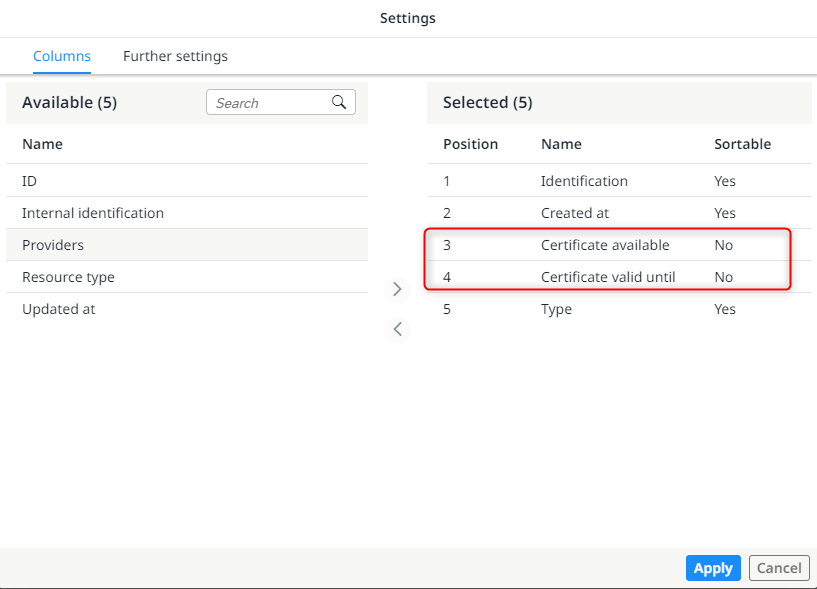
Customise the contents of the worklist and show the columns relating to the XL certificates
Slot Booking
Slot Settings
- New overview guides are available within this app
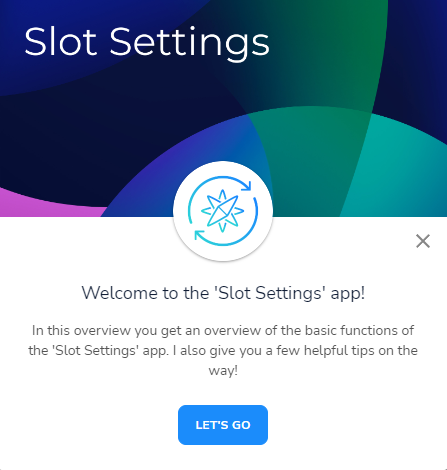
Start an overview guide within the slot settings app
Packaging management
Packaging management
- Templates can now be created or selected for the packaging of a delivery
- The templates can be duplicated or deleted
- The templates save all the data entered
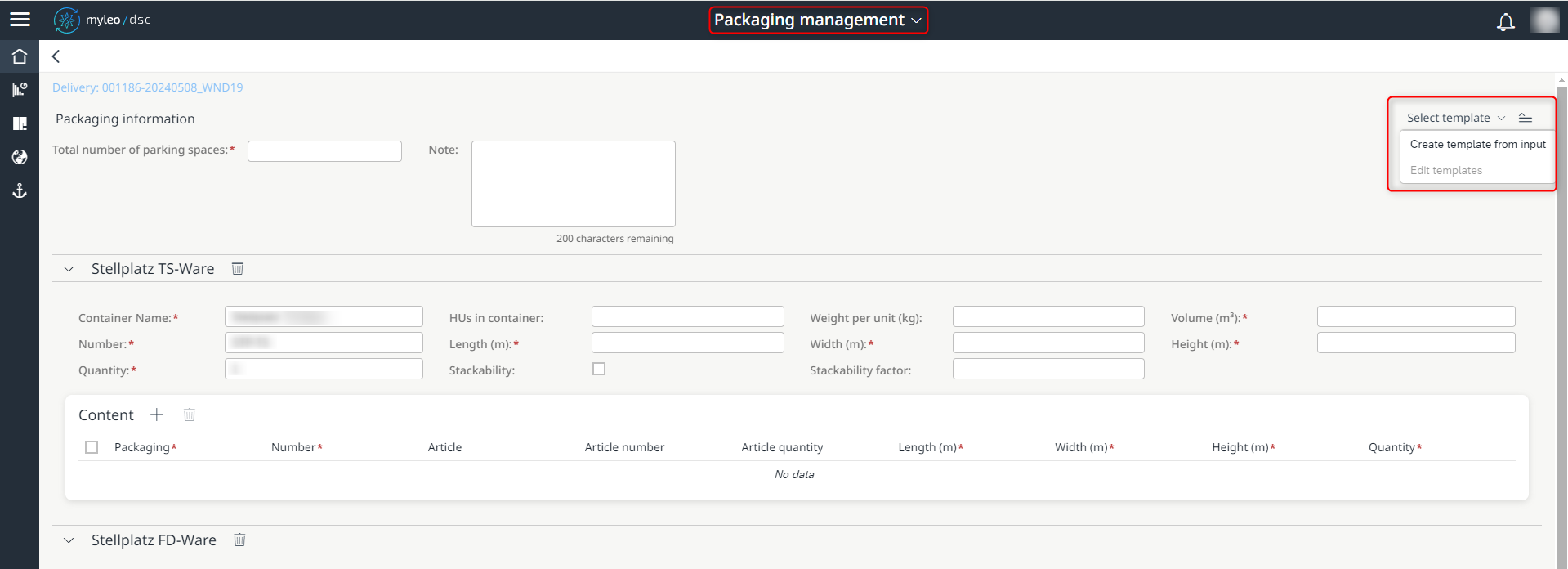
Creation of a template within packaging management
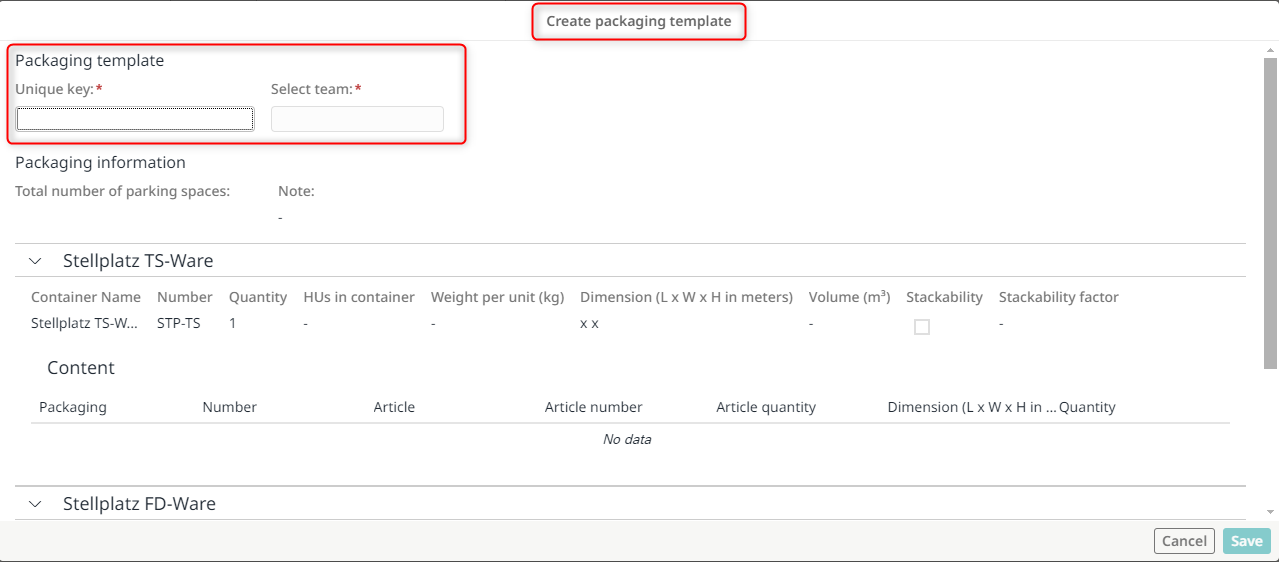
Details when creating a template
Yard Management
Access authorization
- New overview guides are available within this app
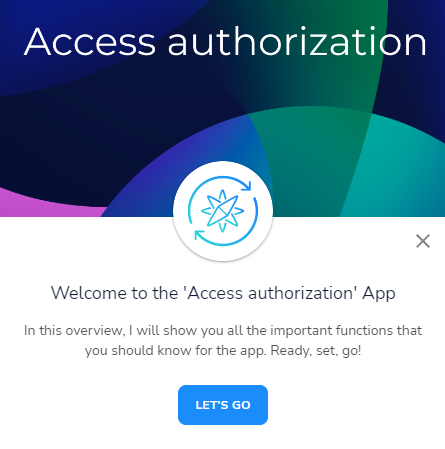
Start an overview guide within the slot settings app
Updated over 1 year ago
What’s Next
Did this page help you?